


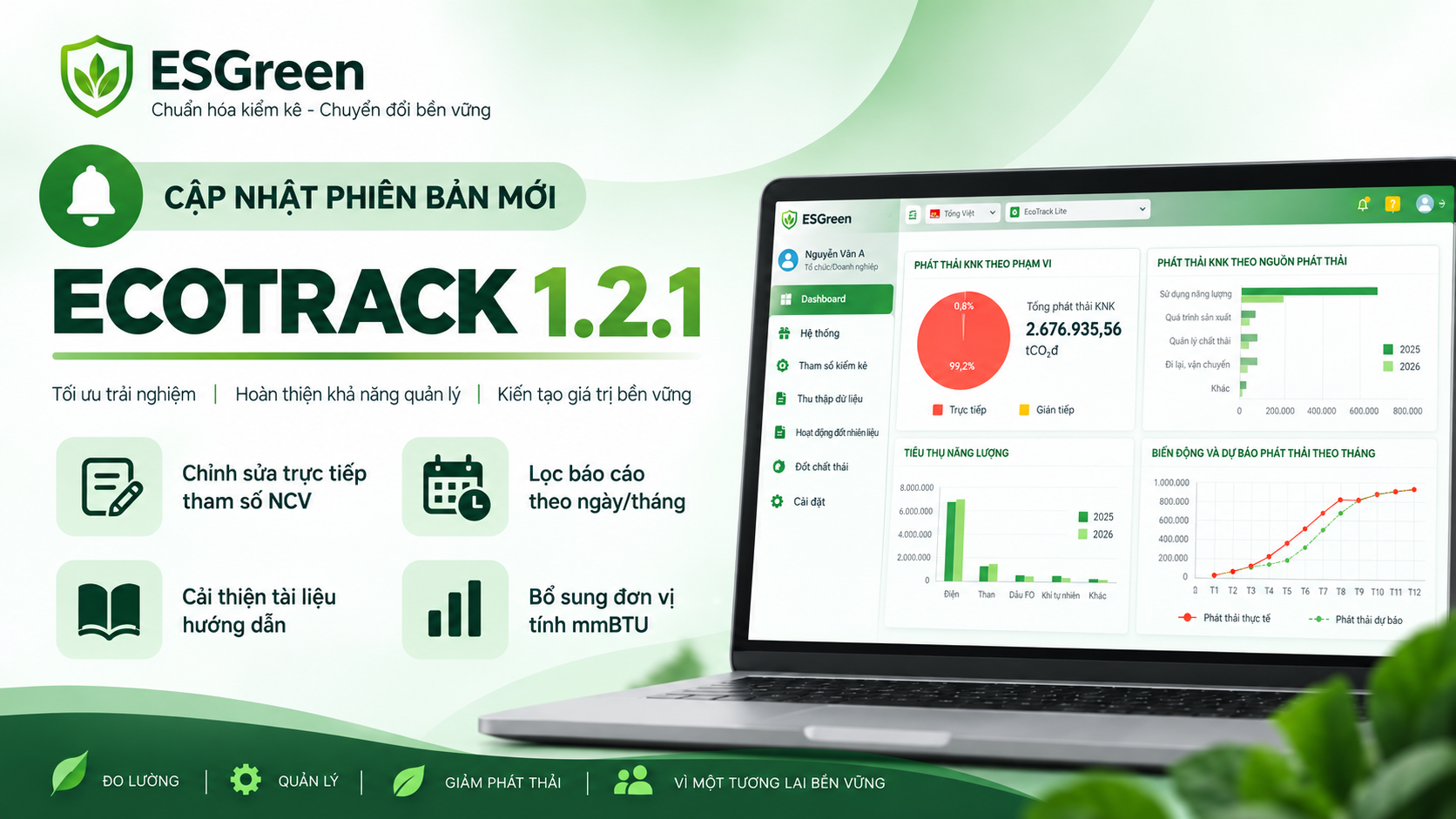
As part of its continuous efforts to improve environmental data management and enhance the user experience, EcoTrack has released Version 1.2.1, introducing several new features and system improvements.
New Features:
Edit Net Calorific Value (NCV) Directly
Users can now edit Net Calorific Value (NCV) directly in the “Data Collection” interface. This improvement reduces the number of steps required during data entry and makes recurring data updates more convenient.
Select specific date and month within reporting period
The Management Reports module now allows users to select specific days and months within a reporting period. This enables companies to divide a reporting period into smaller time intervals, providing greater flexibility in monitoring production activities and analyzing operational data.
Improved the User Guidebooks
EcoTrack’s user documentation has been reorganized into clearer and more specific sections, making relevant information easier to find. Additional guidance has also been developed based on practical user scenarios and feedback to help users navigate and operate the system more efficiently.
New Unit of Measurement:
EcoTrack now supports mmBTU as an additional unit of measurement, helping reduce errors associated with manual unit conversion.
mmBTU can be selected directly in relevant “Data Collection” modules and used in system calculations and reports. The unit has also been added to the Excel templates used for data import.
mmBTU is currently available for the following fuels:
- Liquefied Petroleum Gas (LPG)
- Liquefied Natural Gas (LNG)
- Compressed Natural Gas (CNG)
- Natural Gas (NG)
Bug fixes and improvements
Display improvements
- EcoTrack has fixed an issue where content under “Document Management > Applicable Documents” was not displayed properly, improving the reliability of document lookup.
“Management Report” Fixes
- Fixed reports previously excluding data entered on the last day of the reporting period;
- Fixed unit conversion errors for certain substances when exporting reports;
- Number-formatting issues caused by the use of international formatting instead of the selected national format.
Note: Users should refresh the page using Ctrl + F5 to ensure that the latest version of EcoTrack is loaded.